B CAM/C0559.MP4 · Side
4:00 · Side camera
Why the host?
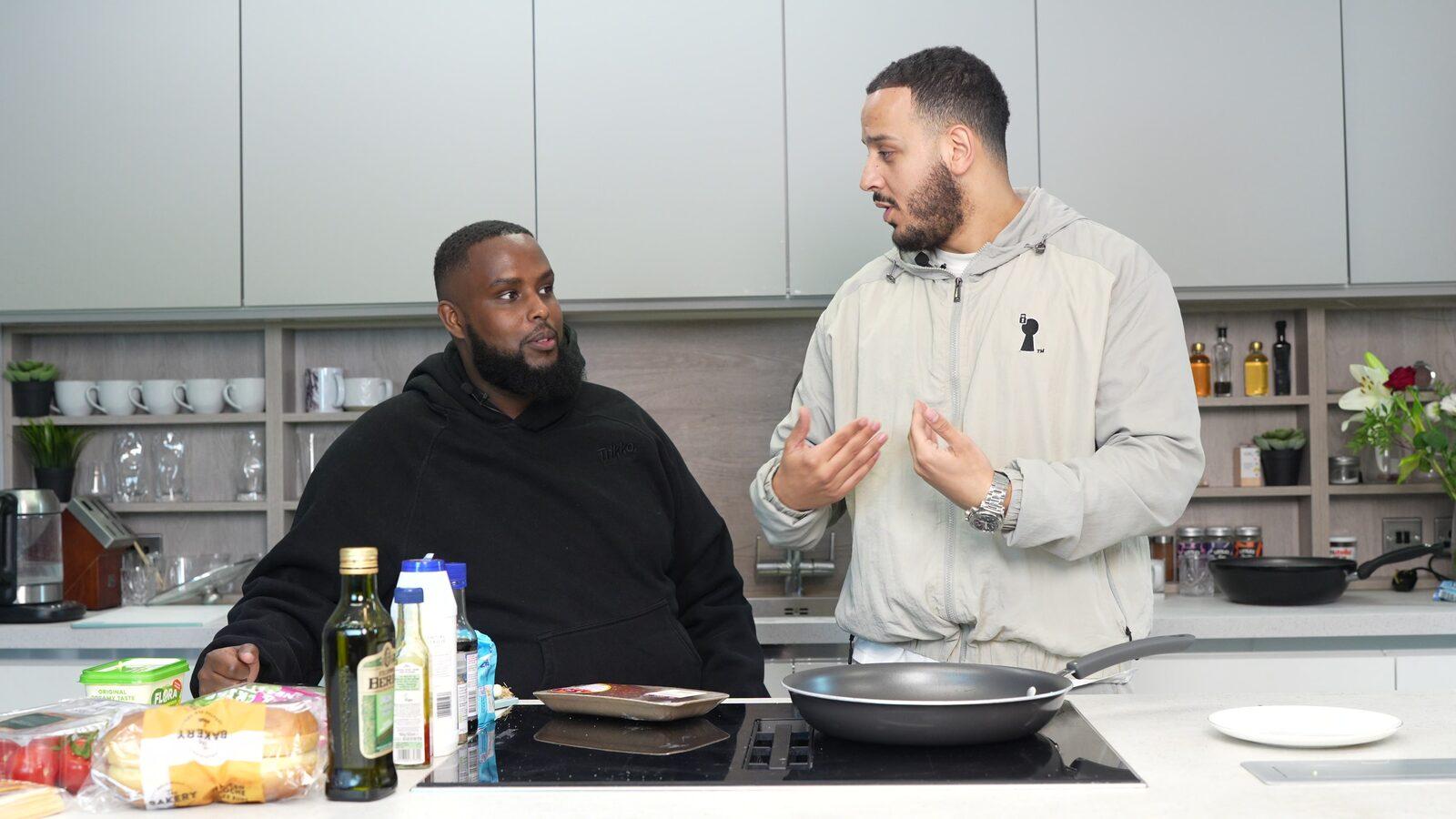
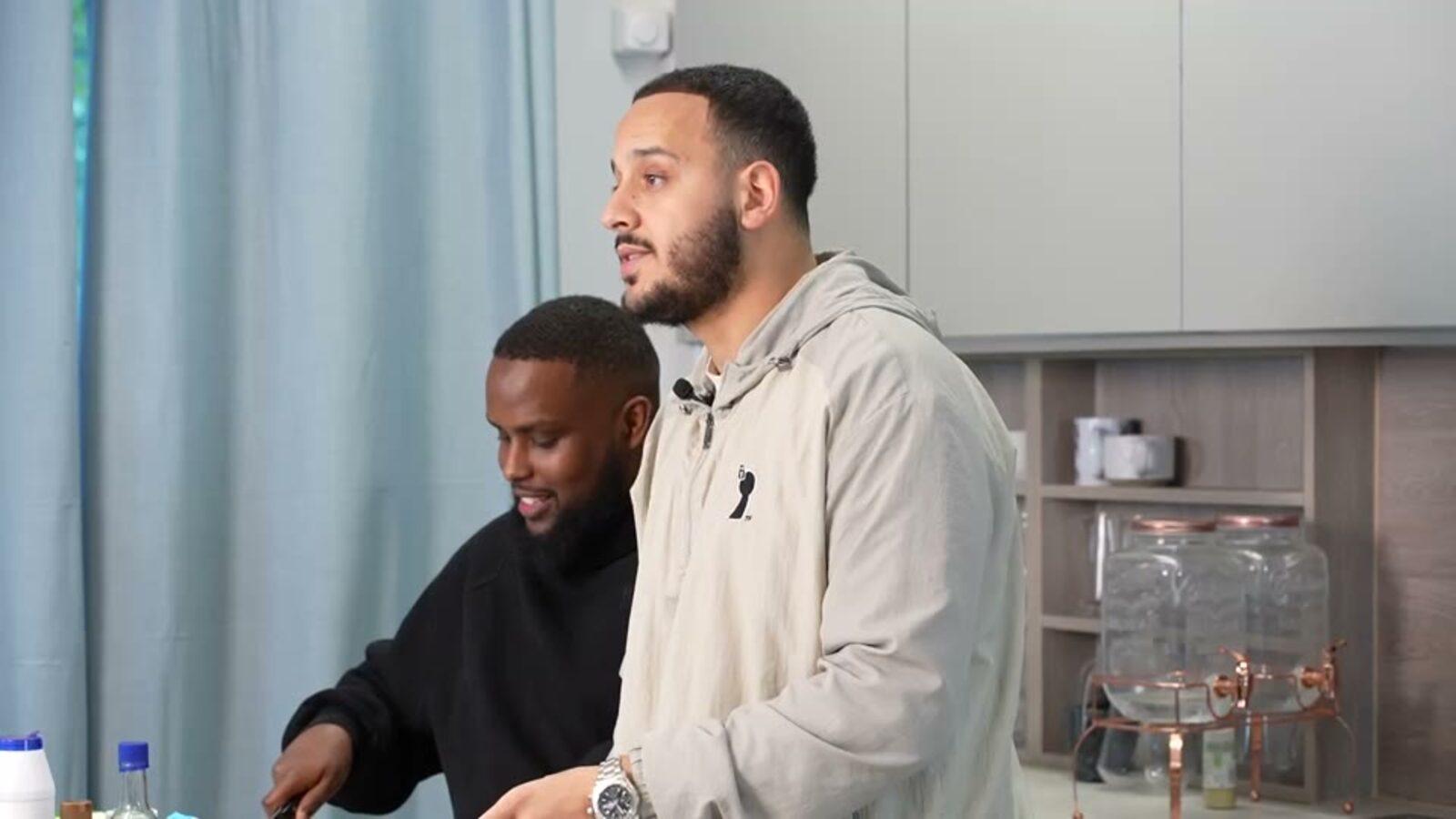
He's explaining the pan: "All right, what we're gonna do is we're gonna start by preheating this, okay?"
Prepd syncs your sound, writes down every word, watches all your footage and lays out a first cut in Premiere, so your time goes on the creative work.
Free to try: 300 credits, about 35 minutes of 3-camera footage. No card needed.
One real run · Kitchen Table
Three cameras, two mics and six confessional clips: 2 h 37 min of footage, 36.6 GB.
18 min to plan and cut, after syncing and transcribing
Prepd follows the conversation, cuts to whoever is talking, holds on the laugh, and shows the food when someone talks about it. Every choice comes with a reason you can read. Ask for a change in plain words.
 Wide
The guest says "listen to that". The pan is the moment.
The host and the guest are both talking. The wide shows them together.
Minute four of Kitchen Table
Prepd lines the cameras up by sound, writes down who said what, then picks a camera for every moment and says why. Three of its reasons:
4:00 · Side camera
He's explaining the pan: "All right, what we're gonna do is we're gonna start by preheating this, okay?"
4:06 · Food camera
The host said "This pan."
Before any cut · all cameras
The side camera started 7.3 s after the wide and the food camera 4.2 s after. Prepd lined them up by sound. No clap, no timecode.
Every cut, every camera change and every stretch it left out comes with a reason. Check its work in minutes, not by watching the whole show again.
That is the South African Guild of Editors' rule for a straightforward edit. For a 31-minute episode like Kitchen Table, that is days of work before anyone sees a first cut.
Both bars are drawn to the same scale. Prepd's 18 minutes is the time it took to plan and cut Kitchen Table, after syncing and transcribing, which were not timed. AI cost on that run: $1.86. By-hand rate: South African Guild of Editors, scheduling guidelines (2021), for offline editing, before preparation and viewings; day marks use the 10-hour day on the Bectu rate card. For comparison, BBC1's Have I Got News For You is edited and delivered by one editor in 48 hours. How the by-hand days split is a typical pattern, not a measurement; the four-hours-per-hour review figure comes from working editors quoted in our research.
No. You keep the story, the taste and the final say, in Premiere.
Prepd hands you a first cut with every angle still underneath and every choice written down, so you can change it by asking or by hand. Nothing is final until you say so.
It edits the footage you shot. It never makes footage up.
About 500 credits edits one hour of a 3-camera shoot. Every plan includes everything.
Run out? Top up 500 credits for £15 or 1,500 for £40; top-ups never expire. Prices include VAT. Cancel any time.